AI manager
God Mode
Sharp. Calm. Short. A manager who has seen the file — drafts the bureau dispute and the furnisher letter, then sends both. You chat goals. It runs the round.

Explain, then move
Drafts and sends
Goal-aware
Refuses bad asks
Live demo
Watch it run a round
Four moves, every round. Scan, draft, wait for your tap, send. Illustrative — sample data only.
- 01Scan— Reads all three reports. Flags only what's wrong.
- 02Draft— Writes the dispute and the furnisher letter.
- 03Approve— Waits for your tap.
- 04Send— Files electronically. Mails certified.
Step by step
What happens in each move
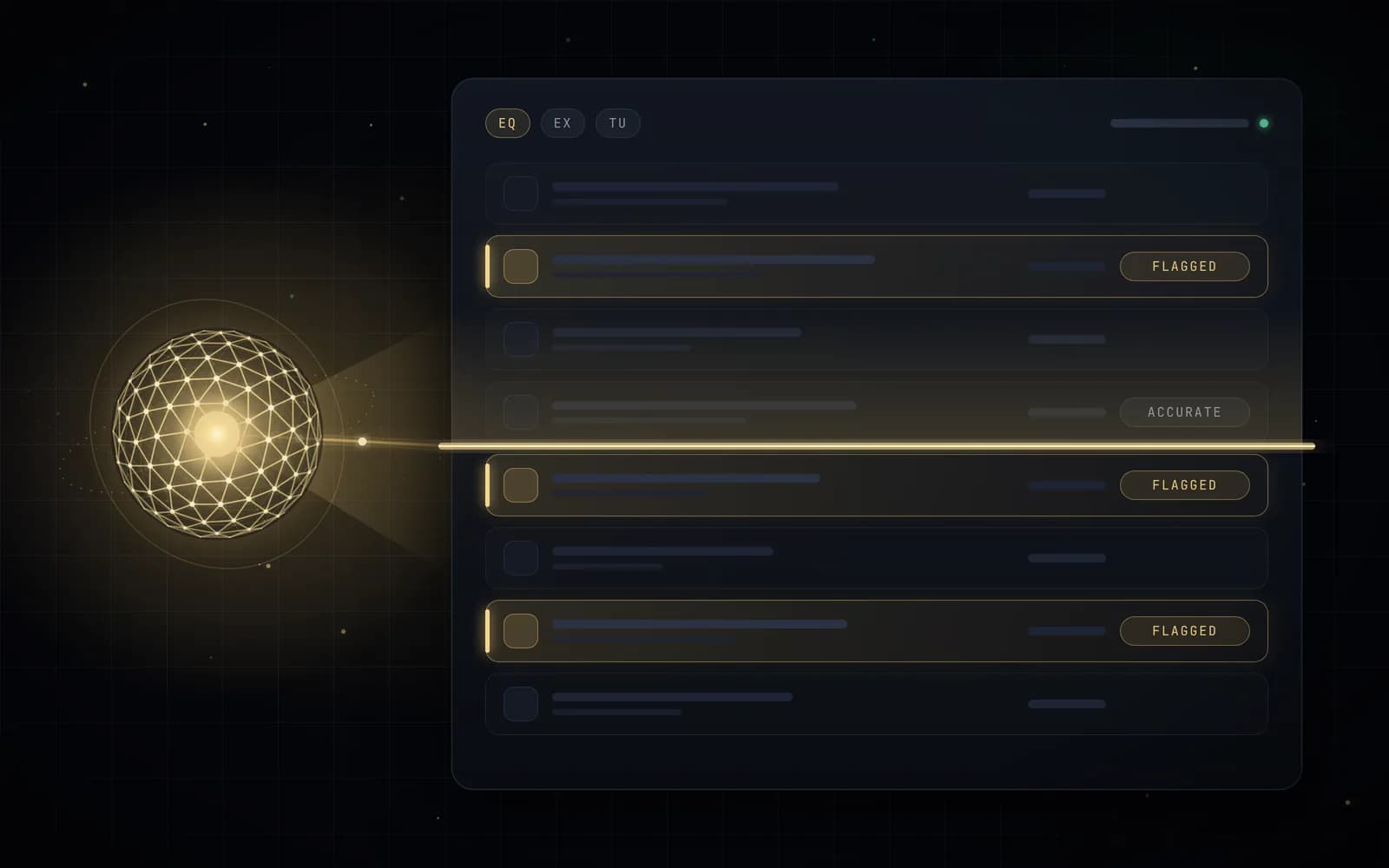
01 · Scan
Reads all three reports. Flags only what's wrong.
Duplicate collections, wrong balances or dates, paid accounts still showing open, obsolete items, mixed-file signals. Every flag cites the item, the bureau, and why — with a confidence label. Items you confirm are accurate leave the queue for good.
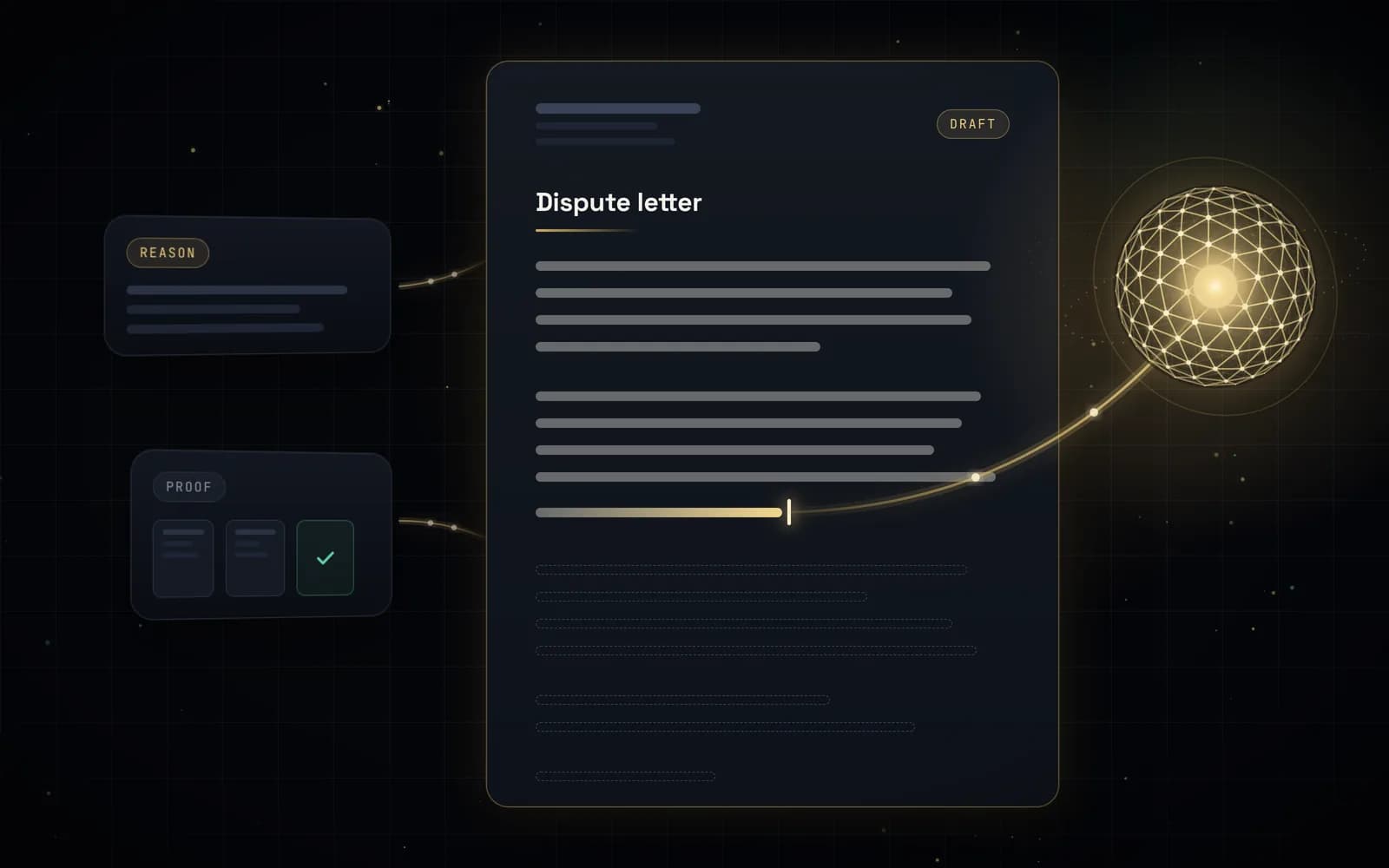
02 · Draft
Writes the dispute and the furnisher letter.
Dispute reasons mapped to the facts, a furnisher letter with the same facts, and proof from your vault attached. When confidence is medium, it asks for the document before it writes.
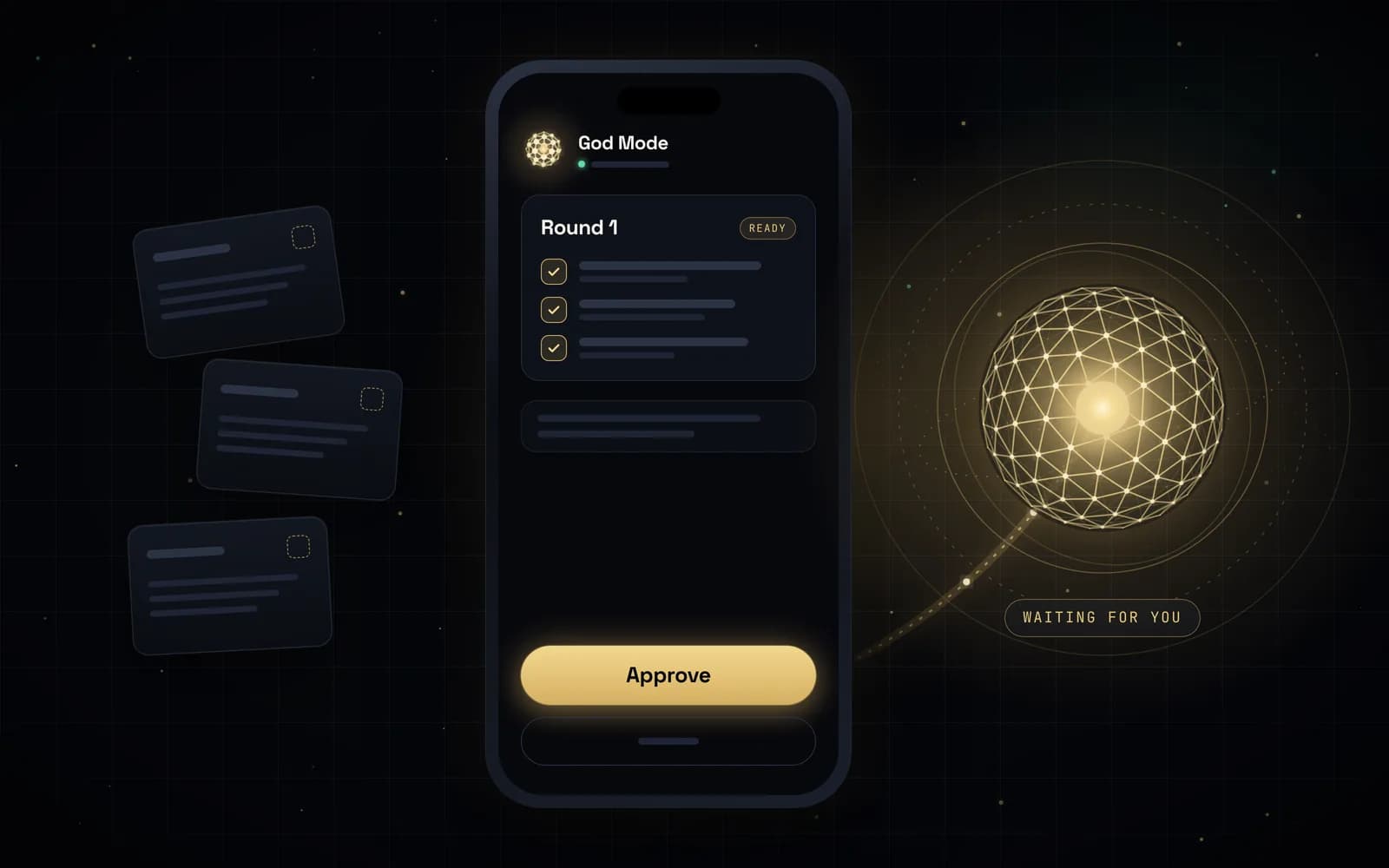
03 · Approve
Waits for your tap.
Round 1 sits ready until you approve it. After that you can keep approving each round or turn on Run my file with a daily digest.
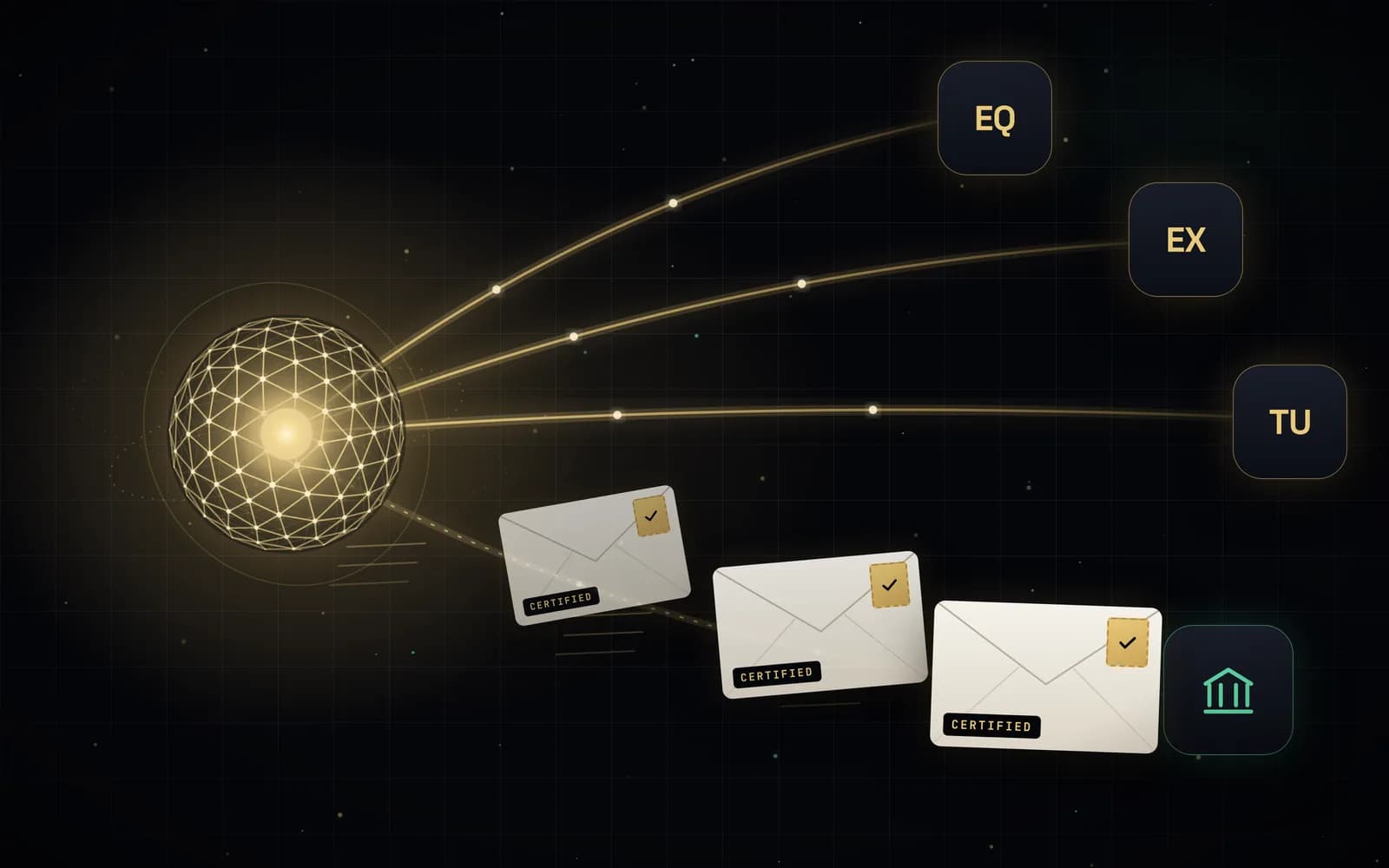
04 · Send
Files electronically. Mails certified.
Bureau disputes go to Equifax, Experian, and TransUnion electronically. Furnisher letters go out certified and tracked — up to 12 a month included. Then the 30–45 day clock starts. Outcomes depend on bureaus and furnishers; results vary.
Drafts and sends
Written. Approved. Out the door.
Bureau disputes and furnisher letters go out e-filed where supported and by certified mail, after you tap approve.
Chat
How conversations turn into filings
Tell God Mode you need a car in 90 days or an apartment in 60. It re-ranks utilization math vs dispute priority, asks for settlement letters when confidence is medium, and refuses spray-and-pray.
What it cites
What it never does
Human handoff
Monthly file review
God Mode
Online · sample chat
God Mode
Only if the balance, date, or ownership is wrong. If you settled it, upload the letter — I'll draft the dispute with the proof and send it to the bureau and the furnisher. If the facts are right, we leave it alone.God Mode
Pay $840 on the revolving accounts to cross 30% utilization before you apply. I'll keep disputing the duplicate collection in the background. Freeze after the loan funds. Don't open new cards this month.God Mode is not a lawyer and does not give legal advice. Unsure items escalate to a human specialist. Results vary. We do not promise deletions or point gains. Read disclosures.
Questions about this feature
Does God Mode send anything without my approval?
No. Your first round waits until you tap Approve. After that you can keep approving each round or turn on Run my file with a daily digest.
What kinds of errors does God Mode look for?
Things like duplicate collections, wrong balances or dates, paid accounts still showing open, items past their reporting limits, accounts that aren't yours, and signs of a mixed file. Each flag names the item, the bureau, and why.
Can I edit a letter before it's sent?
Yes. Ask God Mode for changes, add proof from your vault, or remove an item from the round before you approve.
Could I dispute these errors myself instead?
Yes. You can dispute inaccurate information directly with each bureau for free. God Mode handles the reading, drafting, mailing, and deadline tracking for you. See how to dispute credit report errors.
Let God Mode send the round.
Three bureaus, one manager, one bill at $39.99 a month. 3-business-day right to cancel. Results vary.
30-Day Money-Back Guarantee
Try CreditGod risk-free for 30 days.
If you're not satisfied for any reason, cancel within 30 days of your first payment and we'll refund your subscription fee in full. No questions asked.
A refund of fees, not a guarantee of any credit result. Results vary; no specific outcome is guaranteed. Separate from your 3-business-day right to cancel. Refund policy